Adobe launches an AI-driven interface for Photoshop
Adobe has unveiled a beta interface for Photoshop that gathers its AI tools into a single bar, letting users edit a photo through a plain-language instruction or by drawing on it, alongside the classic editor.
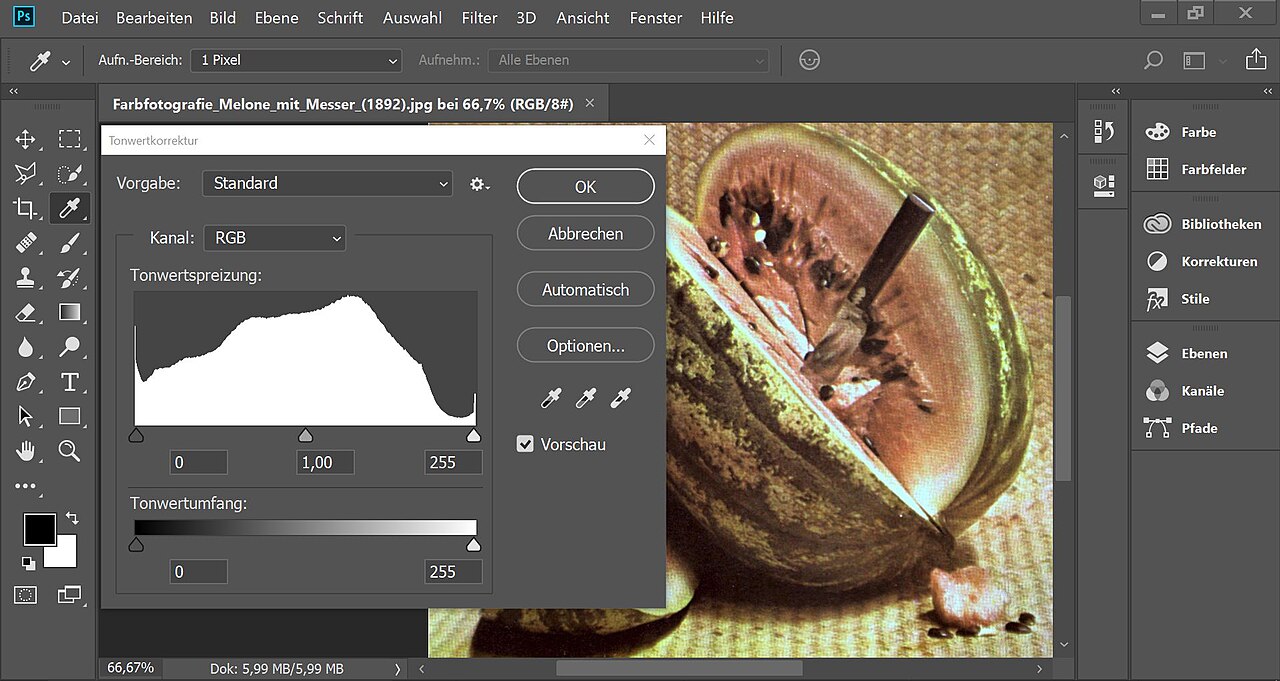
Adobe has announced a Photoshop update heavily focused on artificial intelligence, headlined by a new interface called AI Assisted Editor. The alternative interface ships in beta and is optional — users switch it on if they want it rather than having it imposed. It coexists with the classic editor, now renamed Pro Editor, according to Spanish outlet MuyComputer, which cites details published by Deepa Subramaniam on Adobe's official blog, as well as the site AITnews.
AI tools gathered into one bar
The new interface brings together AI tools that were previously scattered between Photoshop and the Firefly platform: the text-instruction editor Prompt to Edit, background removal, Generative Fill, Generative Expand, the Remove tool, Generative Upscale, and the on-image drawing tool AI Markup. What's new isn't the tools themselves but the wrapper that gathers them in one place for users who'd rather type instructions than work with selections and layers. Anyone who stays in the classic editor still finds Prompt to Edit in the contextual task bar, usable without a prior selection, with every result turned into a generative layer that can be discarded like any other.
Drawing instead of typing: the Markup feature
Adobe has added new ways to specify the edit wanted through the Markup feature, which lets users draw directly on the image to show the AI assistant what they want. Instead of relying on text description alone, a user can mark an area to recolor, draw an arrow to indicate a position, or sketch a rough shape to flag a new element to add. This gives more direct guidance, especially for edits that are hard to describe precisely in words alone.
In the same vein, Adobe has updated Instruct Edit with Masks, which lets users adjust masks through natural-language instructions — a mask being the area a given edit is confined to, leaving everything else untouched. The company says the Firefly Image 5 model can now understand the full context of an image, reducing the need to draw a precise mask around every element a user wants to change. Instead of manually marking each area, it's enough to describe the desired edit — opening closed eyes in a portrait, or adding a hat — for the system to carry it out based on its understanding of the image's content. Anything outside the mask stays untouched, which matters when a composition includes faces or logos, MuyComputer notes.
The updates aren't limited to generative AI: Adobe has added a new adjustment layer called Light that combines Exposure, Contrast, Highlights, Shadows, Whites and Blacks into a single non-destructive layer — meaning it can be undone at any time without permanently altering the original pixels — aiming for Camera Raw-level results without leaving the layers workflow. Dynamic text now also works on shapes and paths, adapting to curves and free-form compositions without manual reformatting. A dockable panel for the Adobe Stock library, giving access to more than 900 million assets by Adobe's own count, has also been built directly into the app.
- AI Assisted Editor — beta interface gathering AI tools into one bar
- Markup — drawing directly on the image instead of describing it in text
- Instruct Edit with Masks — natural-language mask editing via Firefly Image 5
- Light layer — non-destructive adjustment combining exposure, contrast, highlights and shadows
- Adobe Stock panel — direct access to more than 900 million visual assets
What Adobe still hasn't settled
Adobe hasn't said when AI Assisted Editor will leave beta, whether it will carry usage limits, or whether it will ever be available beyond the desktop. Those answers, MuyComputer notes, will decide whether the new interface becomes an entry point for new Photoshop users or just another shortcut for people who already use the app.
For designers, small studios and marketing agencies that rely on Photoshop as a daily tool, this interface could shorten routine retouching tasks — cutting out a background, upscaling an image, cleaning up a stray element — and open the software to non-specialist staff in editorial or marketing teams who aren't fluent in selections and layers. The feature remains in beta, though, with no announced rollout date or eventual pricing, points worth watching before any team rebuilds its workflow around it.
Sources
- أدوبي تغيّر طريقة استخدام فوتوشوب.. الذكاء الاصطناعي يتولى تحرير الصور بأوامر بسيطةAITnews · August 28, 2026
- Photoshop añade un editor asistido por IA y más control en la ediciónMuyComputer · August 28, 2026