Microsoft Gives Copilot More Controlled Access to Windows Files Through Hybrid Local‑Cloud Intelligence
At the Windows and Surface event on 7 October 2026, Microsoft unveiled a major upgrade to Copilot that lets the assistant read, rename, zip and email files stored locally on a Windows PC, using a new “Hybrid Intelligence” architecture that blends on‑device models with cloud‑based AI.
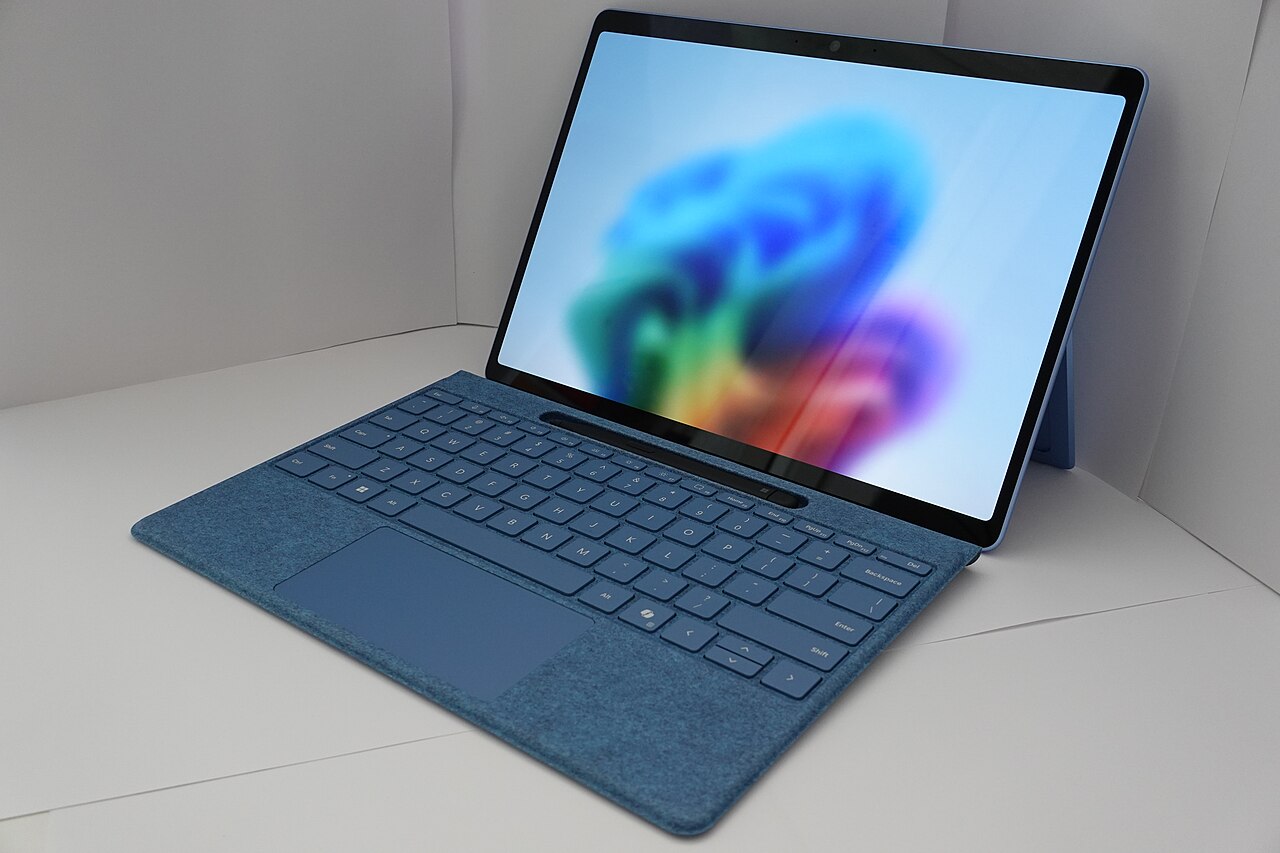
During the Windows and Surface keynote on 7 October 2026, Microsoft announced that Copilot will soon be able to access files stored on a user’s Windows PC and perform system‑wide actions on demand. The company framed the change as a step toward a more seamless, AI‑driven desktop experience, while emphasizing that the assistant will only act when the user explicitly asks for it. The announcement was covered by The Verge and Golem.de, which both highlighted the shift from a purely cloud‑centric model to a hybrid approach that balances performance, privacy and security.
Hybrid Intelligence: on‑device plus cloud
Microsoft markets the new capability under the name “Hybrid Intelligence.” According to the event presenters, the system runs lightweight AI models locally on the device for simple or privacy‑sensitive tasks, while delegating more computationally intensive queries to cloud services such as OpenAI’s GPT‑6 or Anthropic’s Claude. This split is intended to keep latency low for everyday actions—like toggling a setting—while still leveraging the breadth of knowledge available in the cloud for complex requests. The Verge described the approach as a way to “handle tasks efficiently” by using the right model for the right job.
Routing, sandbox and security
Golem.de provided technical details about the underlying architecture. A model‑router called Hydrafusion decides, in real time, whether a request should be answered by a local model or sent to the cloud. Simple commands, file‑system queries and any operation that could expose personal data are routed to on‑device models that run inside Microsoft Execution Containers (MXC). MXC are sandboxed environments whose permissions are granted by Windows at runtime, a design Pavan Davuluri called “the most secure platform for agents.” This separation aims to limit exposure of user data while still enabling powerful AI assistance.
Tax‑filing demo shows end‑to‑end control
Jacob Andreou, Microsoft’s EVP of Copilot, demonstrated a tax‑filing scenario to illustrate the new capabilities. After the user asked for the required documents, Copilot searched the user’s folders, renamed the relevant PDFs, compressed them into a zip archive, and drafted an email with the archive attached—all without the user opening a file explorer. The Verge and Golem.de reported that the demo highlighted how the assistant can combine file‑system access, zip utilities and email composition in a single, fluid interaction, showcasing the practical value of Hybrid Intelligence for everyday productivity.
Rollout timeline and developer preview
Andreou said that Hybrid‑Intelligence‑enabled features will begin rolling out to Copilot over the “next couple months.” Golem.de added that a limited preview of the capabilities will appear in GitHub Copilot within a week, with broader integration into the Copilot app expected in the coming months. The rollout will be staged, starting with a subset of actions on Windows 11 PCs before expanding to the full feature set. No quantitative performance benchmarks or security assessments have been published, and Microsoft has not disclosed a precise date for general availability.
Search bar refresh and AI‑driven actions
Alongside the Copilot upgrade, Microsoft refreshed the Windows Search bar. Built on WinUI 3, the new UI replaces the old two‑pane layout with a single, scrollable result list that can display AI‑generated answers directly in the pane. The search bar now supports inline quick actions—such as toggling dark mode, adjusting microphone volume with a slider, or sending a text via Phone Link—through a set of “quick actions” that can be invoked without leaving the search interface. Frandroid reported that Microsoft promises “thousands” of such actions, citing examples like enabling Bluetooth, lowering screen brightness and minimizing all windows. The AI integration is not yet available to Insider testers and is slated for a later release in the year, with enriched web answers (weather, factual queries) planned by year‑end.
Open questions, privacy and future work
While Microsoft stresses that Copilot will only search or manipulate files when the user explicitly requests it, several uncertainties remain. Golem.de noted that the exact cloud models selected for particular workloads have not been disclosed, and the granularity of the runtime permission model inside MXC for third‑party agents is still unclear. Edge cases such as conflicting decisions between local and cloud models, or how the system resolves ambiguous commands, have not been addressed publicly. Moreover, performance metrics, memory usage figures for the new search UI, and detailed security assessments have not been released, leaving analysts to await further data before judging the overall impact.
For Windows users, the immediate change is that Copilot will soon be able to act on files stored locally, turning natural‑language requests into concrete file operations and system tweaks. The refreshed search bar will surface AI responses alongside traditional results, and a growing catalog of quick actions will let users control settings, launch apps and perform routine tasks without leaving the search pane. Developers can look forward to expanded support for local models via Llama.cpp in Windows ML and a new onboarding flow that simplifies the deployment of safe, sandboxed agents. As the rollout proceeds over the next few months, users can expect a more integrated, AI‑augmented Windows experience while Microsoft continues to refine privacy safeguards and performance guarantees.
Sources
- Microsoft is giving Copilot more control over Windows and your filesThe Verge · October 7, 2026
- Microsoft lässt Copilot an Windows-Dateien arbeitenGolem.de · October 8, 2026
- Avec Windows 11, contrôler le PC depuis la barre de rechercheFrandroid · October 8, 2026